 Sunflare
Your domains, in your pocket.
Sunflare is a Cloudflare app for iPhone and iPad. Fix a DNS record, watch a Pages build, switch on an email address, check your tunnels are up and see every domain's traffic, all without reaching for a laptop.
Free, for good · For iPhone and iPad · Requires iOS 26
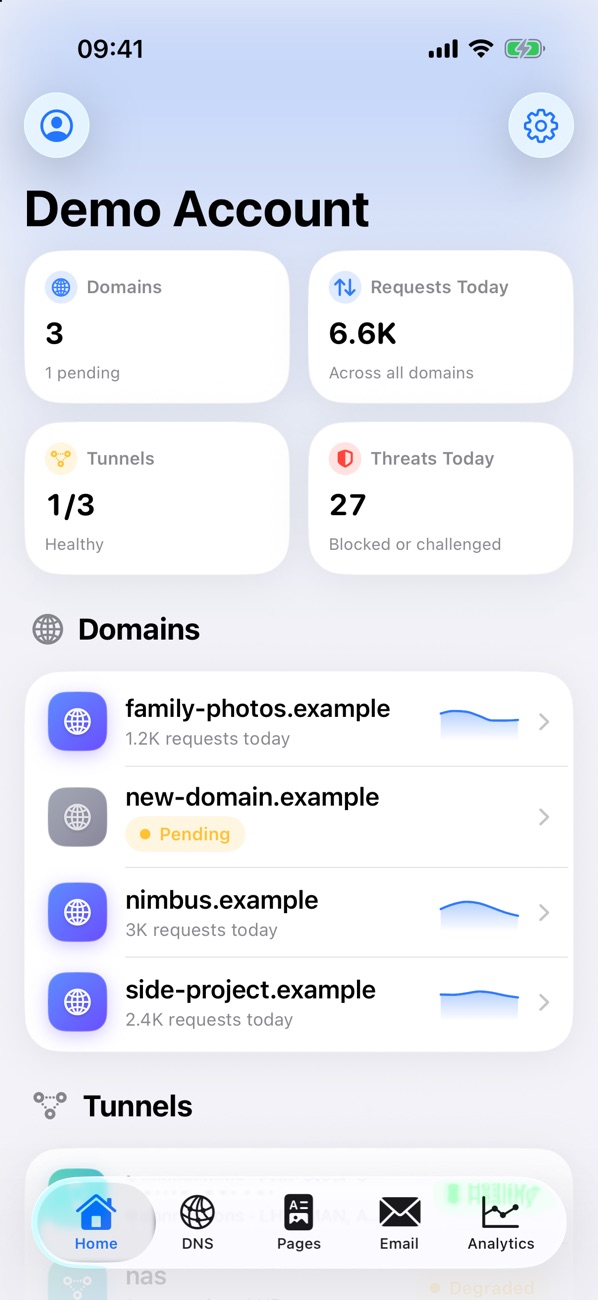
The Cloudflare dashboard, cut down to fit a phone.
Sunflare leaves out the enterprise settings and puts the everyday jobs one or two taps away.
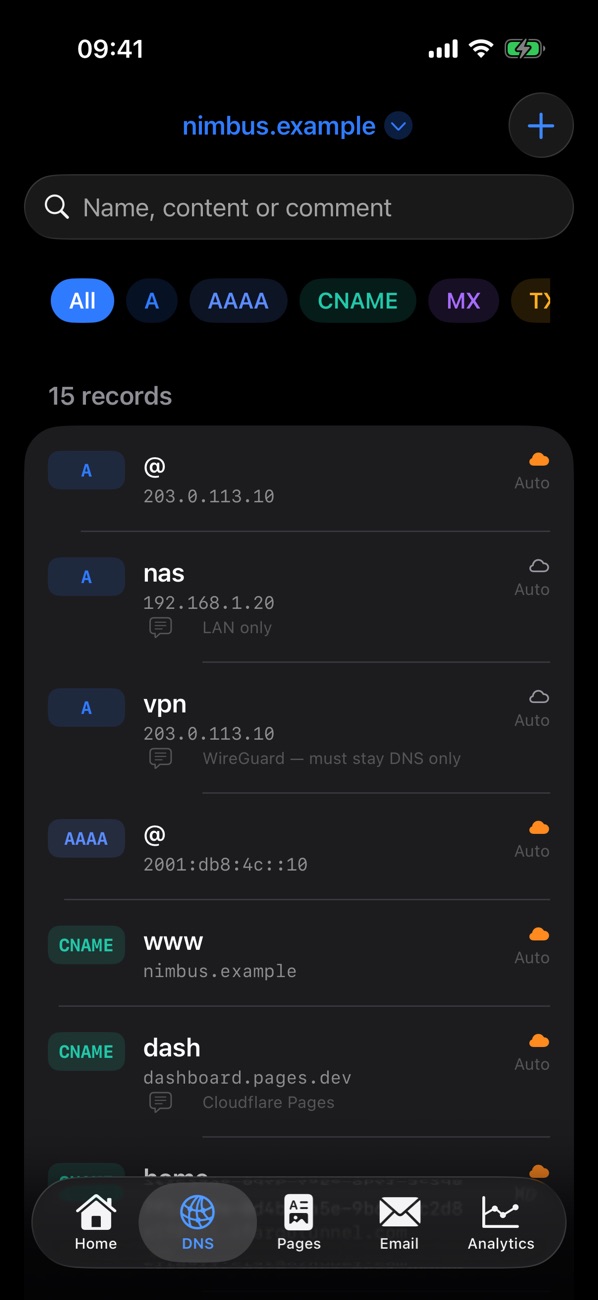
DNS records
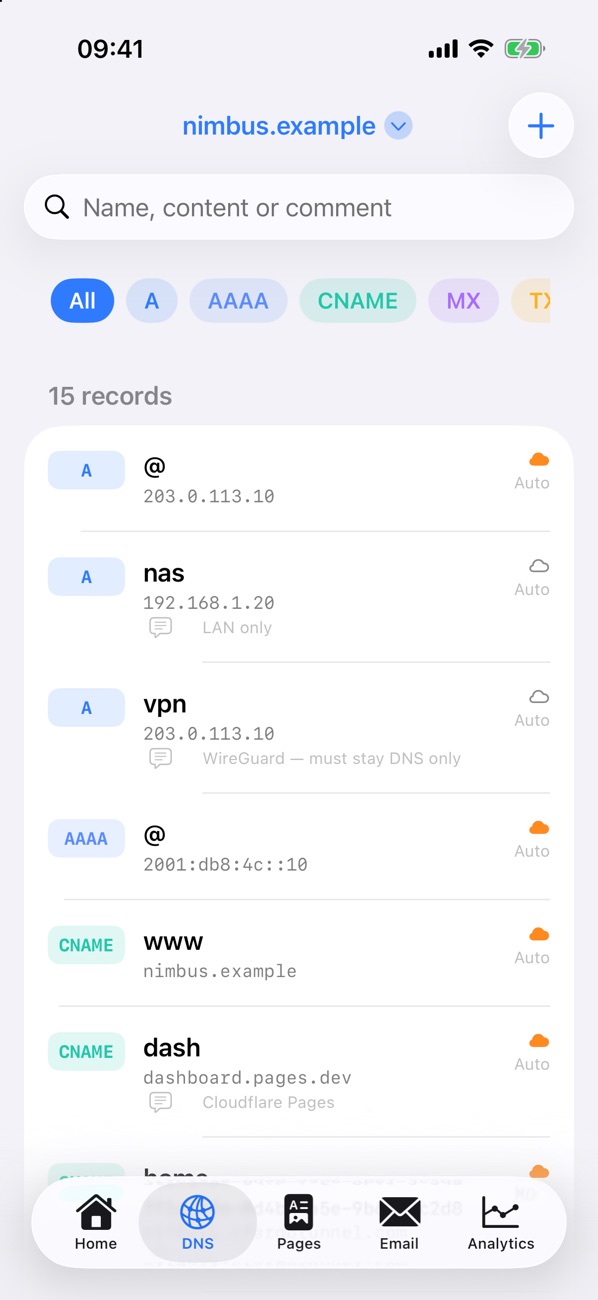
Search and filter by type, then add, edit or delete A, AAAA, CNAME, MX, TXT and more, with comments and TTLs.
Proxy in a swipe
Swipe a record to switch between proxied and DNS only, for when WireGuard or a game server needs your real IP.
Pages deployments
See every build with its branch, commit and stages. Open previews, retry a failed build or roll production back.
Email Routing
Turn addresses like hello@ on and off, add new ones, set the catch-all and add destination inboxes.
Tunnel health
Know straight away when cloudflared drops. See each tunnel's status, connections and data centres.
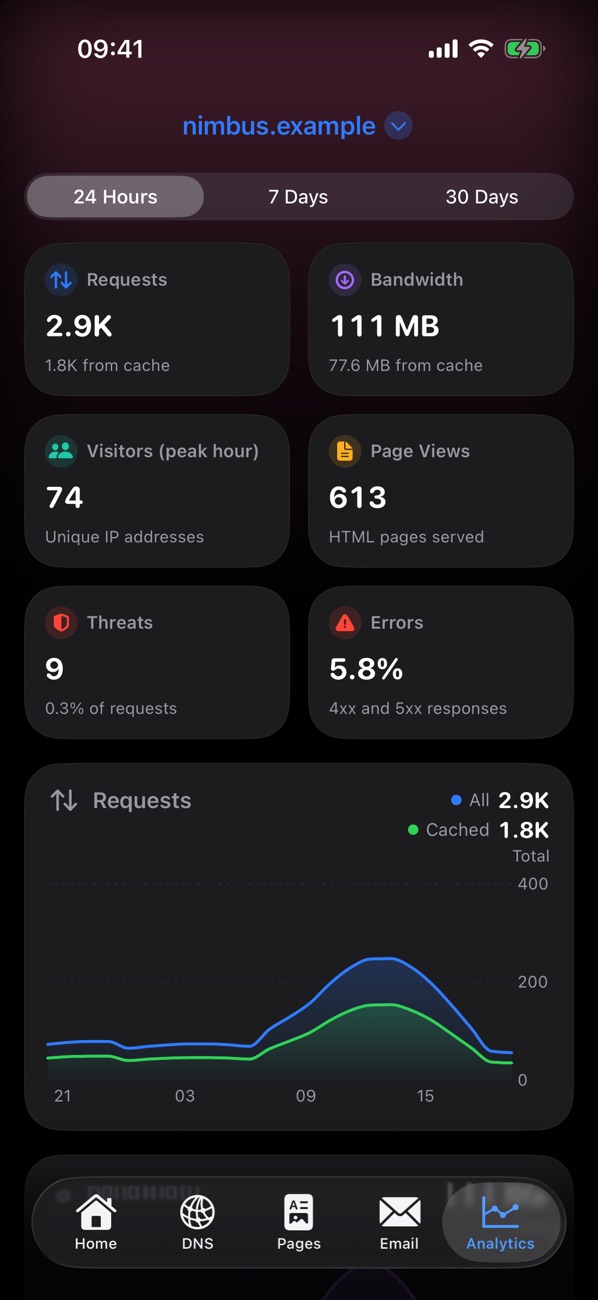
All the analytics
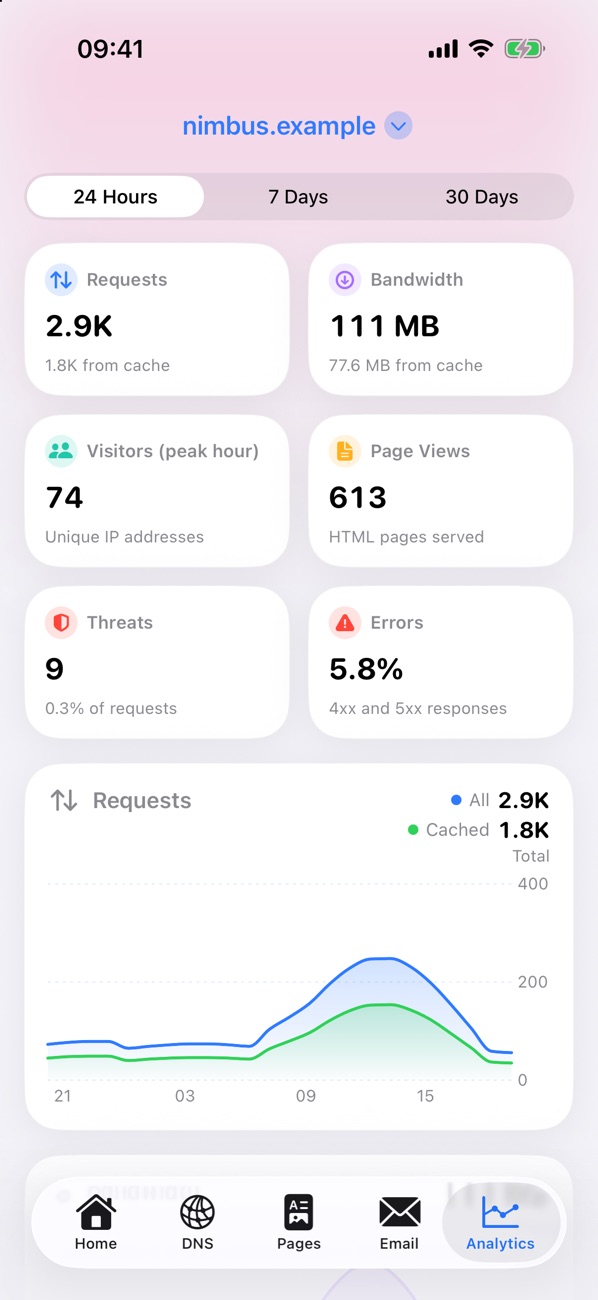
Requests, bandwidth, unique visitors, page views, threats, errors and cache rate over 24 hours, 7 or 30 days.
Dev Mode & purge
Bypass the cache while you work on a site, or purge everything after a deploy, with a confirmation first.
Several accounts
Add a token for each Cloudflare account, or one token that covers them all, and switch between them.
Point a subdomain at your tunnel from the sofa.
Every record for every domain, grouped by type, with the proxy status and your comments right there in the list.
- Type a name like
jellyfinand Sunflare adds the domain - Checks IP addresses and MX priorities before saving
- Copy a name or value with a long press
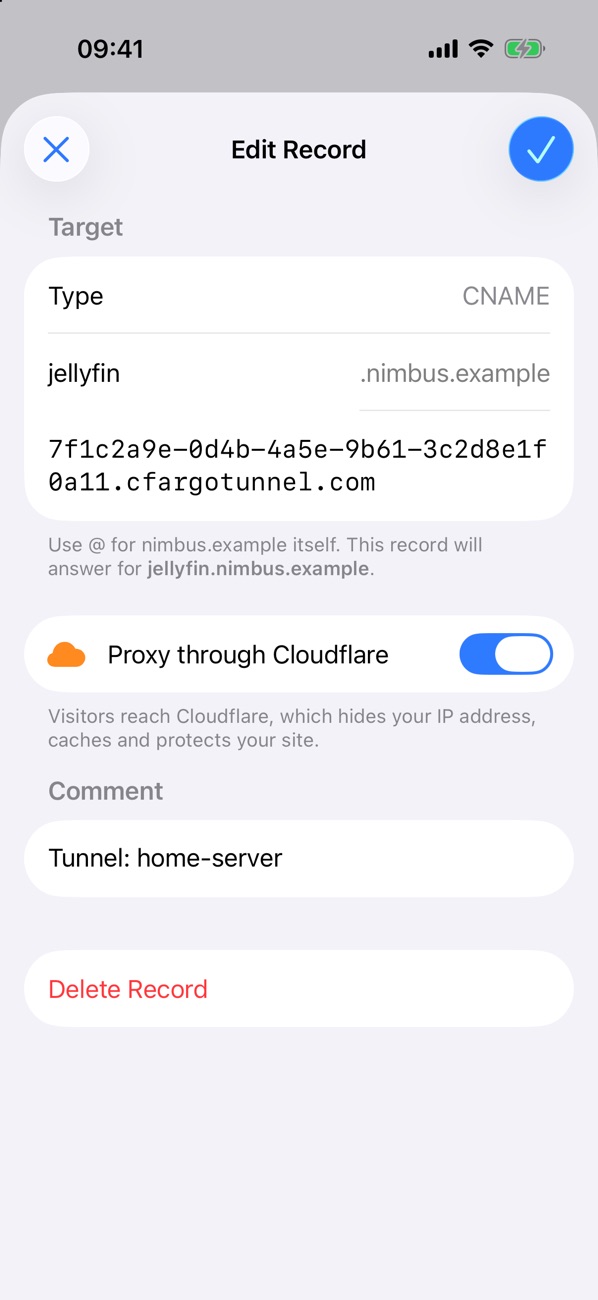
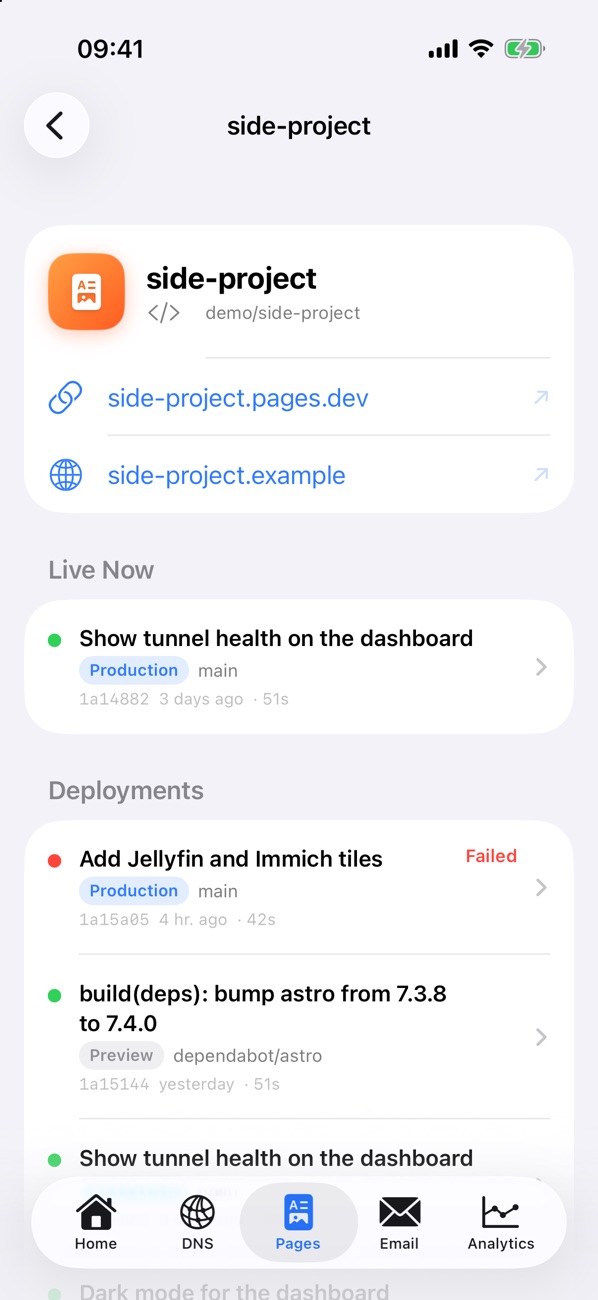
Know when the build breaks, and undo it.
Your Pages projects sorted by latest deploy, with what's live now and every build before it.
- Each stage of a build, with how long it took
- Builds update by themselves while they run
- Roll back to any earlier production deployment instantly
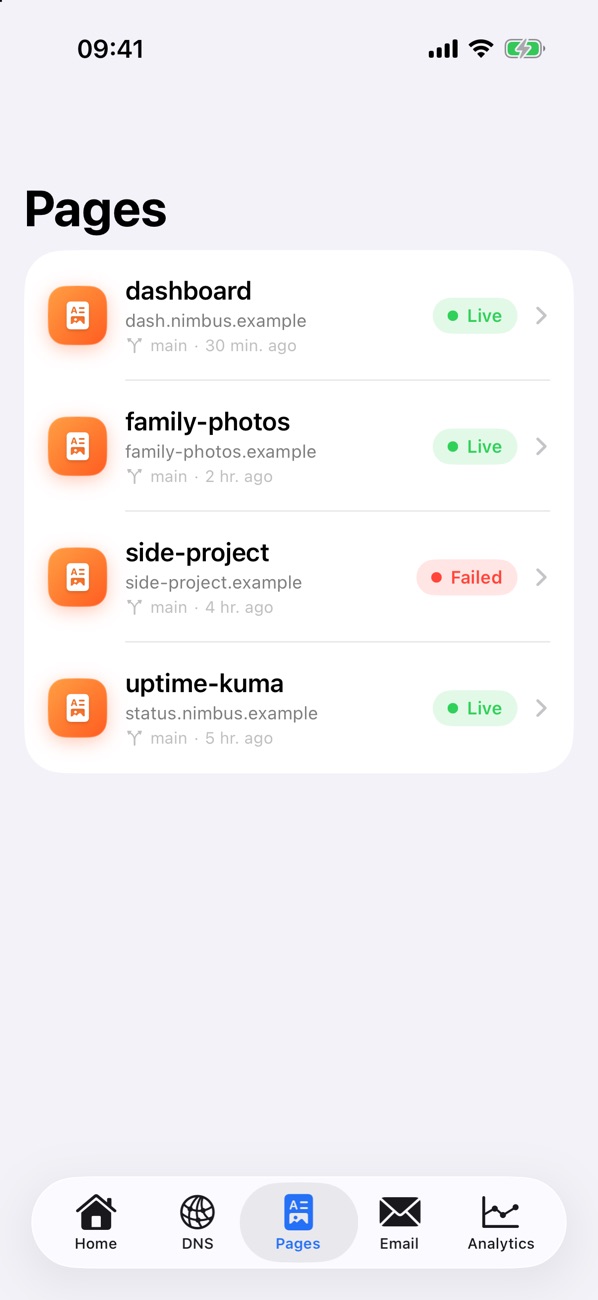
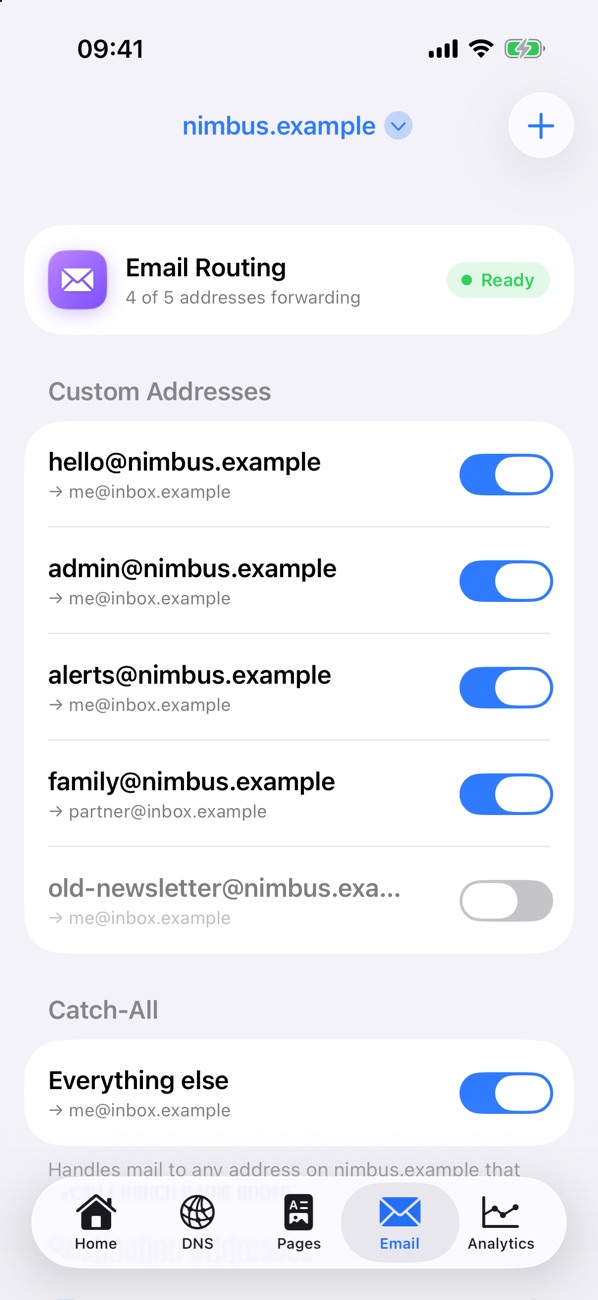
Custom addresses and the numbers behind your sites.
Flip forwarding on for a new sign-up address, then check how much of your traffic Cloudflare served from cache.
- Top countries and response codes
- Drag across a chart to see any hour or day
- Works on Cloudflare's Free plan
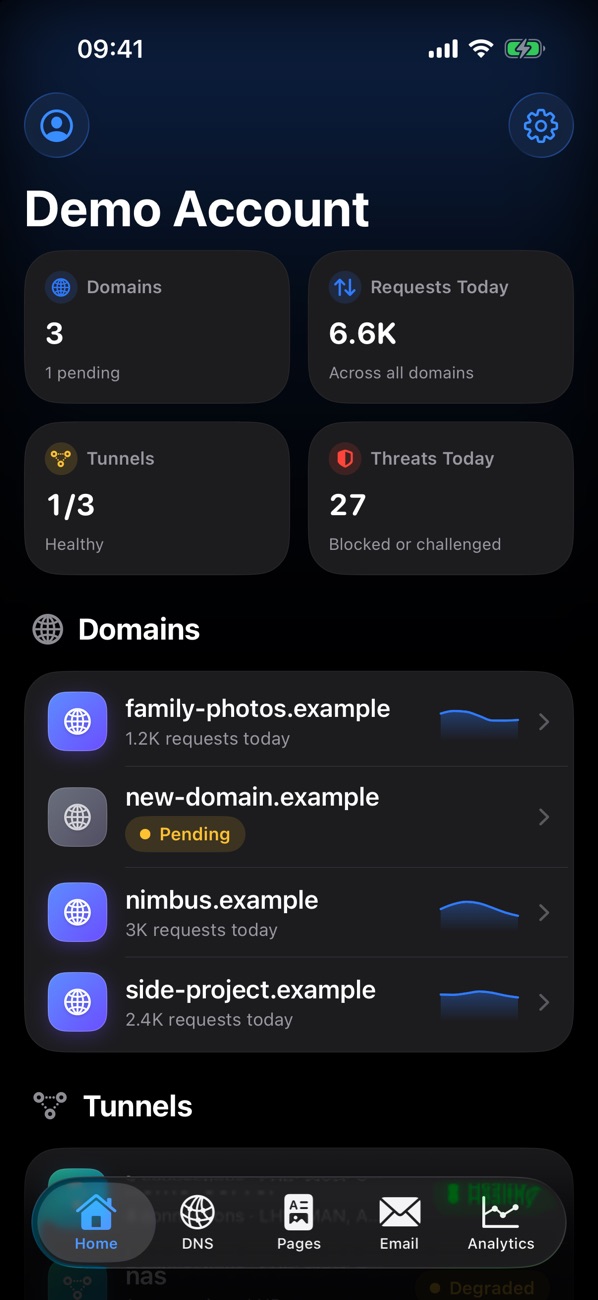
Easy on the eyes when the alert comes at 2am.
Every screen is designed for light and dark.
Your token talks to Cloudflare. That's it.
No accounts, no servers of ours in the middle, no analytics. Sunflare goes straight from your phone to the Cloudflare API.
Free, like the plan most sites start on.
Cloudflare's free plan quietly powers countless personal sites and side projects: DNS, tunnels, Pages and email forwarding. Sunflare is free too, and will stay that way.
Questions you might have.
How do I sign in?
With a Cloudflare API token. In the Cloudflare dashboard, go to My Profile → API Tokens → Create Token, pick the permissions Sunflare should have and paste the token into the app. The support page lists exactly which permissions each screen needs.
Does it work on the Free plan?
Yes. Everything in Sunflare works on Cloudflare's Free plan, including analytics: hourly for the last day, and daily for 7 and 30 days.
Can it change things, or just look?
Both, depending on your token. Give it edit permissions to manage DNS, email rules and Pages, or read-only permissions to just keep an eye on things.
Does it support Workers, R2 or Zero Trust?
Not yet. Sunflare starts with the services people lean on most day to day. If there's something you'd like next, get in touch.
Can I try it without a Cloudflare account?
Yes. Tap Explore the Demo on the welcome screen for a simulated account with domains, records, deployments, email rules and tunnels you can change freely.
Is it really free?
Yes, and it will stay free. There are no ads, subscriptions or in-app purchases, and every feature is included.
Is this made by Cloudflare?
No. Sunflare is an independent app that uses Cloudflare's public API. It isn't affiliated with or endorsed by Cloudflare, Inc.

Coming soon to the App Store.
Sunflare is nearly ready. Check back here for the download link.